
Tiny Imps

Tiny Imps for Windows Coming soon

One app, every imp

The Tiny Imps app installs the imps into Premiere Pro, keeps them updated and handles your subscription. It runs in the background: no window at startup, no tray icon.

Download for Windows

7-day free trial · No card needed · Refund within 14 days

  • Windows 10 / 11
  • Mac coming soon
  • Premiere Pro 26 · tested on 26.5.2

Install

1 Run the installer

Open TinyImpsSetup.exe. It installs for your Windows account only, no admin needed. While the installer isn't code-signed, SmartScreen asks first: More info, then Run anyway.
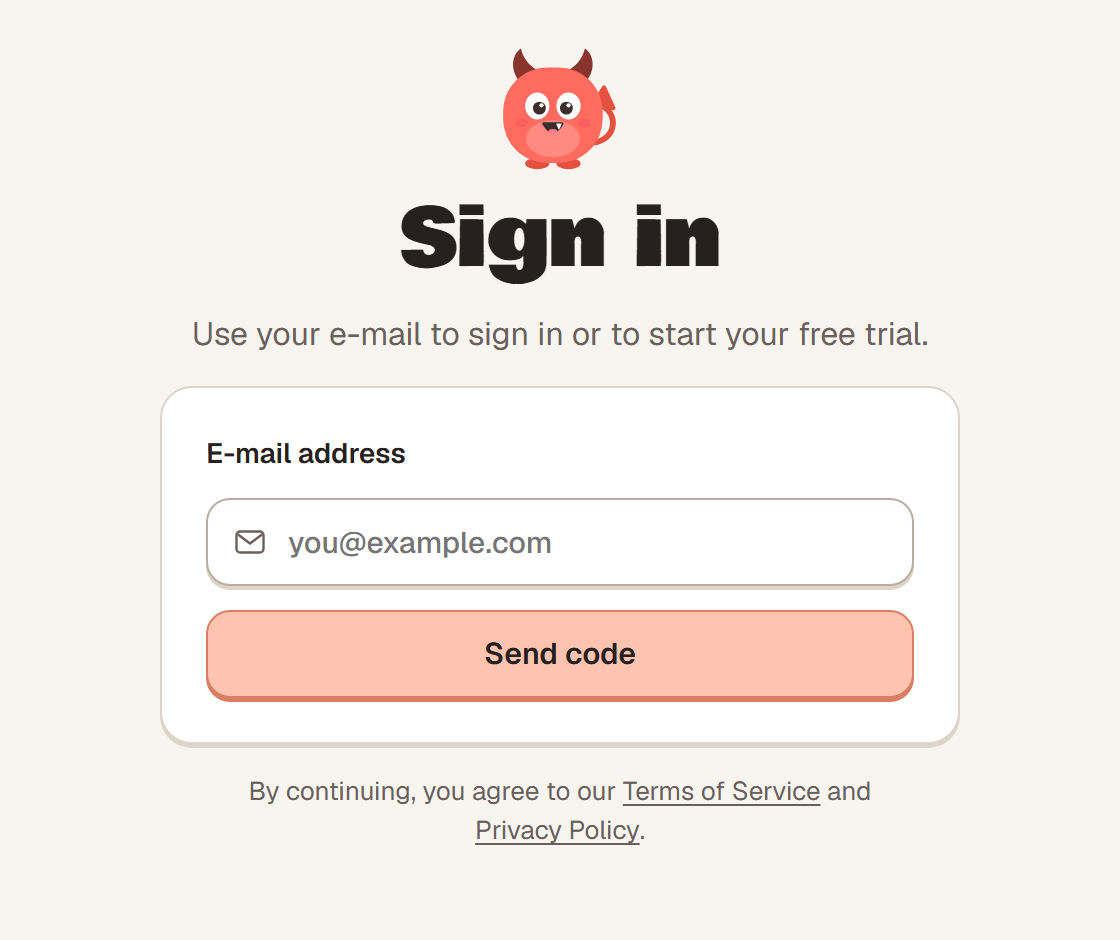
The Tiny Imps sign-in window

2 Sign in

Enter your e-mail and the 6-digit code we send. Use the e-mail you paid with, if you subscribed. A new computer gets 7 days free.

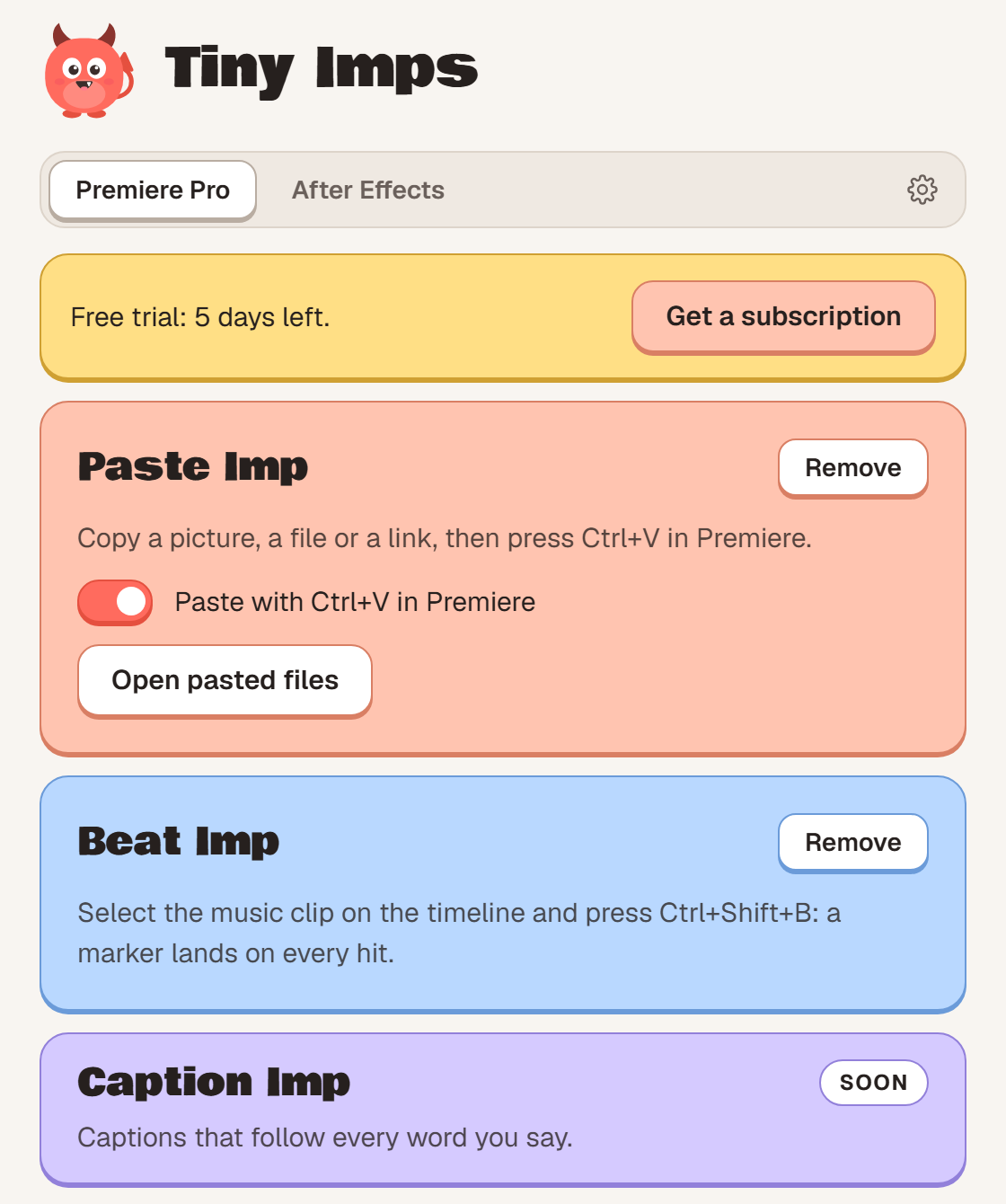
The Tiny Imps window with Paste Imp and Beat Imp installed

3 Add your imps

Click Install on each imp, then restart Premiere. They're in Premiere's Window menu.

Requirements

Good to know